

The Most Popular Mechanical Machining Software: Key Differences and How to Choose
- 1. CAD / CAM / CAE and Their Interrelationship
- 2. The Most Popular Mechanical Machining Software
- a. Mastercam
- b. SOLIDWORKS & SolidCAM
- c. Siemens NX (Formerly Unigraphics)
- d. Autodesk Fusion 360
- e. Other Notable Mechanical CAD/CAM Software
- 3. Quick Comparison Table
- 4. Criteria for Choosing the Right Software
- 5. Emerging Trends in Mechanical Engineering Software
- 6. Frequently Asked Questions (FAQ)
- 7. Conclusion
A Comprehensive Review and Detailed Comparison of the Most Popular Mechanical CAD/CAM/CAE Software on the Market Today, Including Mastercam, SOLIDWORKS, Siemens NX, Fusion 360, and More An Thanh Tech as we analyze their advantages and disadvantages, compare their features, and provide guidance on choosing the right software for different company and machine shop sizes.
In modern mechanical engineering, software is no longer just a supporting tool – it has become the backbone of the entire design and manufacturing process. An engineer proficient in the right CAD/CAM software can reduce programming time from several days to just a few hours while maintaining precision down to the micrometer level.
So, which software best suits your needs? Should you choose Mastercam, SOLIDWORKS, Siemens NX, Fusion 360, or Cimatron? This article by An Thanh Tech will help you gain a deeper understanding of their functions, advantages and disadvantages, practical applications, and how to choose the right mechanical machining software for your specific requirements.
1. CAD / CAM / CAE and Their Interrelationship
Before exploring individual software solutions, it is essential to understand the three core technology categories and their roles in the manufacturing process.
- CAD (Computer-Aided Design): Computer-aided design. Used to create 2D technical drawings and 3D product models, serving as the foundation for all machining processes.
- CAM (Computer-Aided Manufacturing): Computer-aided manufacturing. Converts 3D models into toolpaths and G-code to automatically control CNC machines.
- CAE (Computer-Aided Engineering): Computer-aided engineering. Used to simulate and analyze stress, temperature, fluid flow, and other engineering parameters, helping engineers validate product designs before actual production.
Standard Workflow: CAD → CAE (Design Validation) → CAM (Machining Programming) → CNC (Actual Manufacturing)
Many modern software solutions integrate all three technologies into a single package, helping reduce data transfer time and minimize errors throughout the design and manufacturing process.
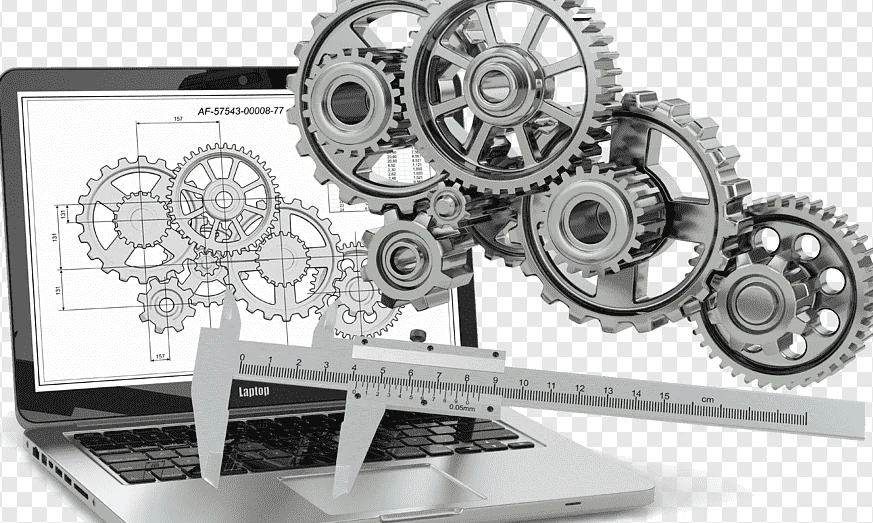
Understanding CAD-CAM-CAE and their interrelationship
2. The Most Popular Mechanical Machining Software
a. Mastercam
CNC Software Inc. – An Industry Standard
Mastercam is one of the world's most widely used CAM software solutions for CNC machining programming. In Vietnam, it has become a de facto industry standard in many precision machining workshops, covering milling, turning, wire EDM, and 5-axis machining.
Advantages:
- Extensive global user base, making qualified engineers easier to recruit.
- Extensive post-processor library.
- Strong technical support community in Vietnam.
- Comprehensive support for 2-axis to 5-axis machining.
Disadvantages:
- High licensing costs.
- CAD capabilities are more limited than those of dedicated CAD software.
- User interface is less modern than some competing solutions.
b. SOLIDWORKS & SolidCAM
Dassault Systèmes – Widely Used for 3D Mechanical Design
SOLIDWORKS has long been one of the most widely used 3D mechanical design software solutions worldwide, particularly among small and medium-sized businesses. Its intuitive interface, extensive add-on ecosystem, and large user community are among the key reasons why SOLIDWORKS is included in the curricula of many engineering institutions.
SolidCAM is an add-on module that integrates directly into SOLIDWORKS, enabling users to move from product design to machining programming without having to export or import files. Its iMachining technology is particularly well regarded for its ability to automatically optimize toolpaths.
Advantages:
- User-friendly interface and relatively easy learning curve.
- Seamless CAD/CAM integration.
- Widely used in engineering education and training.
- Diverse ecosystem of add-ons and extensions.
Disadvantages:
- High licensing costs.
- Requires relatively powerful hardware.
- May be less efficient than NX when handling highly complex parts.
c. Siemens NX (Formerly Unigraphics)
Siemens Digital Industries – A Premium Solution for Large Enterprises
Siemens NX (formerly known as Unigraphics) is a high-end CAD/CAM/CAE platform adopted by leading global corporations in the aerospace, automotive, and heavy industrial equipment sectors. In Vietnam, NX is commonly found in foreign-invested manufacturing companies and large enterprises with extremely demanding precision requirements.
Advantages:
- Comprehensive capabilities in the high-end CAD/CAM/CAE segment.
- Comprehensive PLM integration.
- Advanced 5-axis machining capabilities.
- Well suited to aerospace and automotive manufacturing.
Disadvantages:
- Very high licensing costs.
- Steep learning curve and lengthy training requirements.
- Generally unsuitable for small machining workshops with limited budgets.
d. Autodesk Fusion 360
Autodesk – An All-in-One Cloud-Based Platform
Fusion 360 represents a new generation of engineering software, integrating CAD, CAM, and CAE into a single cloud-based platform. Its subscription-based pricing model is generally more accessible than that of many traditional engineering software solutions.
Advantages:
- Integrated CAD, CAM, CAE, and simulation capabilities.
- Cloud-based platform, allowing access from different locations.
- Lower entry costs compared with many traditional software solutions.
- Regular updates and feature improvements.
Disadvantages:
- Requires a stable internet connection for many cloud-based functions.
- CAM capabilities may be less extensive than Mastercam for certain advanced machining applications.
- Dependence on Autodesk's cloud infrastructure and service policies.
*Related Articles
e. Other Notable Mechanical CAD/CAM Software
- HyperMILL: Specialized in complex 5-axis CNC machining, offering advanced toolpath strategies with a strong focus on machining efficiency and collision avoidance.
- Cimatron: Particularly strong in mold design and manufacturing, especially for plastic injection molds and stamping dies.
- CATIA & PTC Creo: High-end engineering software platforms primarily used in aerospace, automotive, and other advanced manufacturing industries, particularly by large enterprises.
- AutoCAD & Autodesk Inventor: AutoCAD is widely used for fundamental 2D technical drafting, while Autodesk Inventor provides professional 3D mechanical design and engineering capabilities.
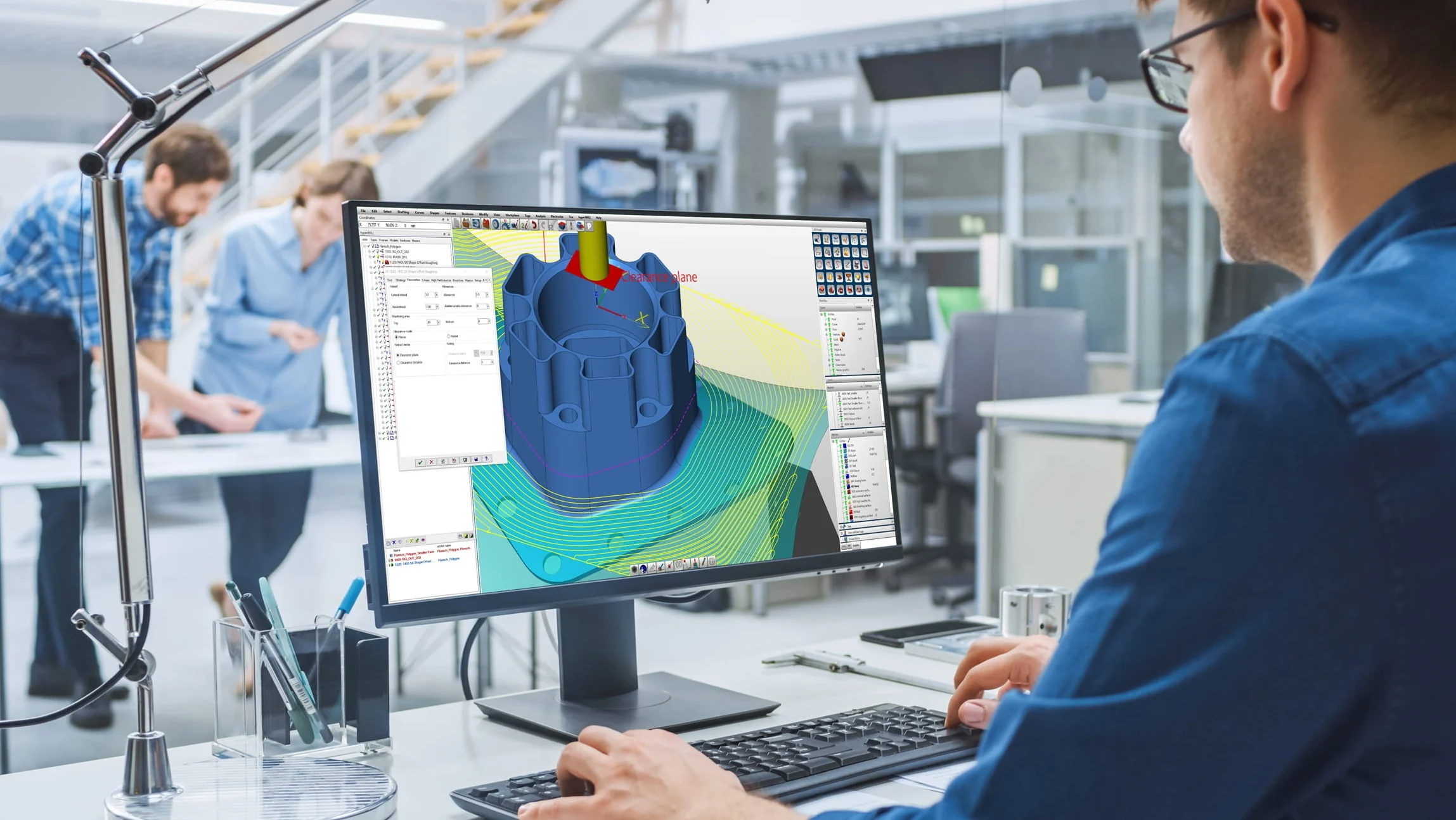
Other Notable Software Solutions
3. Quick Comparison Table
To select the right CAD/CAM software for your manufacturing requirements and business development goals, it is essential to evaluate several key factors, including design capabilities, CNC machining programming capabilities, support for advanced machining technologies, suitability for different business sizes, scalability, and investment costs.
The following table provides a quick comparison of the leading software solutions:
| Criteria | Mastercam | SOLIDWORKS + CAM | Siemens NX | Autodesk Fusion 360 |
|---|---|---|---|---|
| Primary Strengths | Specialized CAM programming with comprehensive multi-axis machining capabilities. | Powerful CAD design capabilities with CAM integration directly within the SOLIDWORKS interface. | Comprehensive, high-end CAD/CAM/CAE and PLM solution, particularly powerful for complex molds, aerospace, and automotive applications. | Integrated cloud-based CAD/CAM/CAE platform offering flexibility and cost-effective solutions. |
| CAD Capabilities | Basic to intermediate, primarily focused on geometry preparation for machining. | Very strong; an industry-standard solution for part design, assemblies, and 2D technical drawings. | Extremely powerful, featuring hybrid modeling, freeform modeling, and advanced handling of large and complex datasets. | Good and modern, combining parametric modeling, direct modeling, and generative design. |
| CAM Capabilities | Very strong, offering flexible machining strategies and intelligent toolpath generation through Dynamic Motion technology. | Good for basic to moderately complex machining applications. Can be enhanced with SolidCAM or CAMWorks. | Advanced machining capabilities, machine simulation, and toolpath optimization for large-scale manufacturing. | Comprehensive capabilities covering 2.5D, 3D, and basic 5-axis machining, suitable for small workshops and startups. |
| User Interface & Learning Curve | Practical interface designed around machining workflows, with a more traditional interface style. | Intuitive and relatively easy to learn. Widely used in universities and engineering companies in Vietnam. | Complex and feature-rich, requiring structured training and powerful computer hardware. | Modern, user-friendly interface that is accessible to beginners. |
| Licensing Costs | High (professional perpetual licensing or subscription options). | High (requires a SOLIDWORKS CAD license combined with a CAM module or third-party add-in). | Very high (enterprise-level pricing for large organizations). | Low to moderate (annual subscription plans offer a relatively accessible entry point). |
| Target Users | Professional CNC machining workshops, mold manufacturers, and high-volume precision machining operations. | Manufacturing companies requiring comprehensive product design alongside basic to intermediate machining capabilities. | Large corporations and manufacturers in aerospace, automotive, medical equipment, and complex mold production. | Startups, independent engineers, small machining workshops, and students. |
*Note on Pricing: Software licensing costs may vary depending on the publisher's pricing policies, subscription plans, licensing options, and regional distribution. Businesses should consult the official software providers or authorized distributors at the time of purchase to obtain the most accurate and up-to-date pricing information.
4. Criteria for Choosing the Right Software
- Type of Machining: Are you working with 3D milling, CNC turning, 5-axis machining, or mold manufacturing? (hyperMILL excels in 5-axis machining, while Cimatron specializes in mold design and manufacturing).
- Business Size: Small workshops may find Fusion 360 or Mastercam suitable, while large enterprises may require Siemens NX or CATIA.
- Budget: Fusion 360 offers one of the most affordable entry points. Mastercam and SOLIDWORKS fall into the mid-to-high price range, while NX and CATIA involve significantly higher investment costs.
- CNC Machine Compatibility: Mastercam offers an extensive post-processor library, including support for many CNC machine configurations used in Vietnam.
- Career Opportunities: The Vietnamese job market has strong demand for Mastercam and SOLIDWORKS skills. NX and CATIA can provide opportunities with large foreign-invested manufacturing companies (FDI).
5. Emerging Trends in Mechanical Engineering Software
- AI Integration: Artificial intelligence is increasingly being used to optimize toolpaths and automatically predict tool wear.
- Cloud-Based Solutions: The industry is gradually shifting from traditional desktop installations toward cloud computing platforms.
- Virtual Simulation: Machine simulation is becoming an increasingly important step before actual machining to prevent collisions, equipment damage, and operational accidents.
- All-in-One Solutions: CAD, CAM, and CAE capabilities are increasingly being integrated into unified software platforms.
6. Frequently Asked Questions (FAQ)
Which CAM software is most widely used in Vietnamese machining workshops?
Mastercam is currently one of the most popular choices, particularly for CNC milling and CNC turning applications.
Which software should beginners learn first?
SOLIDWORKS is an excellent choice for beginners interested in 3D mechanical design because of its user-friendly interface and relatively easy learning curve. For those looking to learn both CAD and CAM at a more affordable cost, Fusion 360 is a practical option.
What is the fundamental difference between CAD and CAM?
CAD is used for product design and geometry creation, while CAM is used for manufacturing by converting digital models into toolpaths and G-code for CNC machines.
7. Conclusion
No single mechanical machining software is perfect for every application. Mastercam stands out for CNC programming, SOLIDWORKS for user-friendly 3D mechanical design, Siemens NX for advanced engineering capabilities, and Fusion 360 as a modern all-in-one solution.
Choosing the right software ultimately depends on your machining requirements, business size, production objectives, and available budget.
Related News

17/11
2026
In laser metal cutting, product accuracy depends not only on machine power and cutting speed but also on various other technical parameters. One of the key factors that is often discussed is Kerf Width, which refers to the width of the cut produced by the laser.
What is kerf width? Why does it affect machining quality? And how can this parameter be controlled to minimize dimensional deviations and optimize production efficiency? Let's explore these questions in the following article.

14/11
2026
Mechanical engineering manufacturing is one of the fundamental engineering disciplines driving the development of modern industry. Almost every product and piece of equipment used in manufacturing, from industrial machinery and automotive components to agricultural equipment and everyday consumer goods, relies on mechanical manufacturing technologies at some stage of its production.

09/11
2026
Knowing how to clean and store tie-down straps properly prevents webbing wear, stops ratchet rust, and ensures safe cargo transport. Follow these 3 simple steps to wash, dry, and store your straps for maximum longevity.

07/11
2026
Think all industrial greys look the same? Place RAL 7032 (Pebble Grey) next to RAL 7035 (Light Grey), and the contrast between warm beige-grey and bright silver-grey is unmistakable. Explore their exact color codes, powder coating specs, and ideal applications below to choose the right finish.
View more